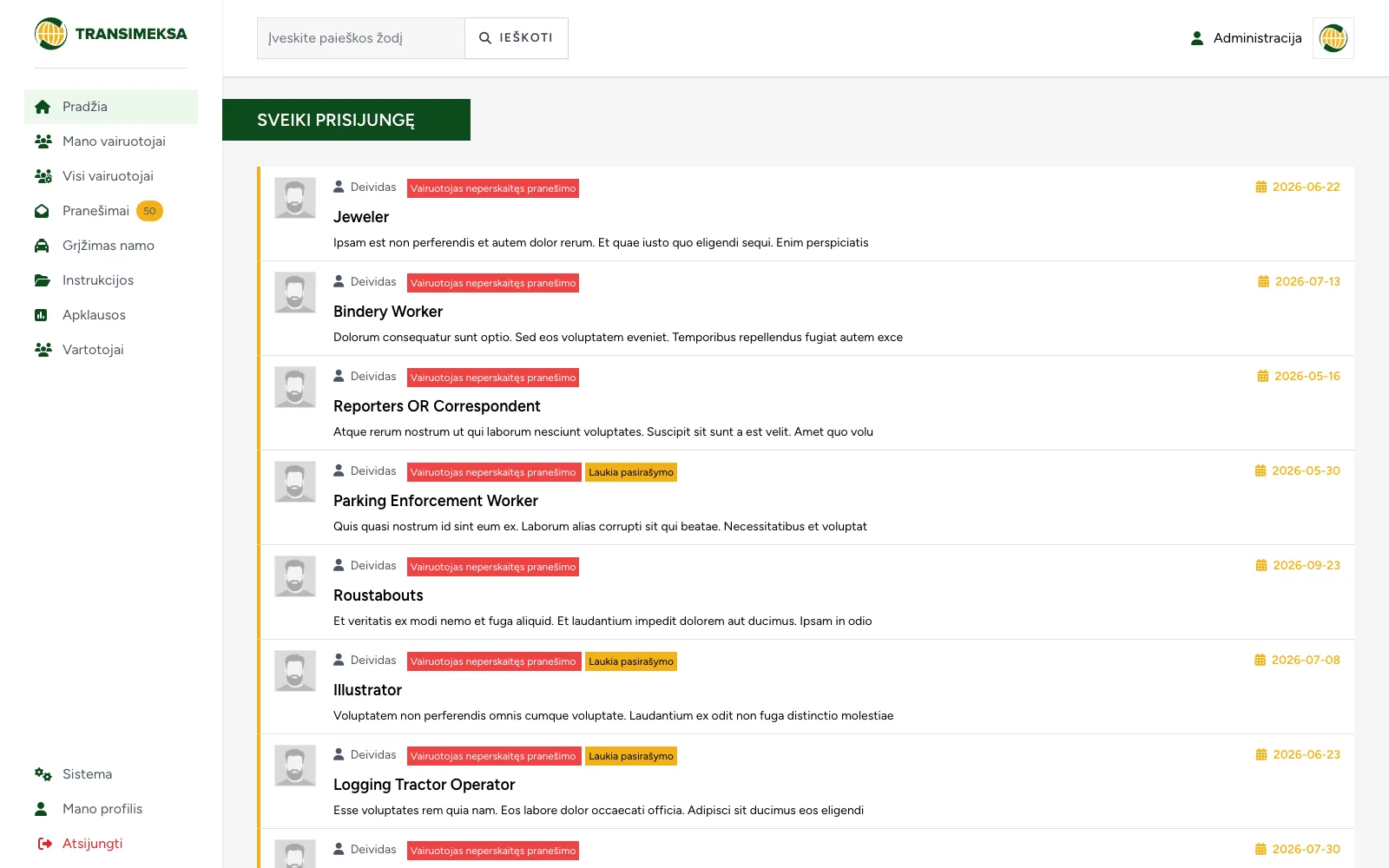
Driver communication and document management system
Instructions, documents and surveys for drivers, with a dedicated mobile interface for drivers and a separate one for managers.
QR code based tool tracking: assignments, handovers with photos, inventory checks on a phone, and subscriptions.
ProblemTools change hands faster than anyone can write it down. A spreadsheet only works in the warehouse, and on site no worker will log in to it, so records constantly lag behind reality.
SolutionEach tool carries a QR sticker: scanning it with a phone lets a worker return or hand over the tool without logging in. Every handover is saved in the history with a photo, and inventory checks are done by walking around the site.
In construction, installation and service companies, tools change hands faster than anyone can write it down. A drill is issued to one worker in the morning, handed to another on site after lunch and left in the van in the evening. When it is needed a month later, nobody knows who had it last.
Tracking is usually done in a spreadsheet or a notebook by the warehouse door. That works until the tools leave the warehouse. After that the records lag behind reality, and an inventory check takes the whole team a full working day.
The most important thing was that a record could be updated without a computer. On site, a worker has neither the time nor the inclination to log in to a system, and if returning a tool requires logging in, the return simply will not be recorded.
When a tool goes missing, an argument starts over who had it last. So the system had to keep not only the current status but the full history of handovers.
Inventory checks had to be done by walking around the site with a phone, without paper lists or retyping data into a computer afterwards.
The system was also built as a service for many companies, so it needed a trial period, plans with limits and invoicing.
QR codes are printed in advance. The system generates a batch of codes with short URLs and prepares it for printing on a sticker sheet. The company sticks the labels on its tools and only then links them to tool records, so sticking can start without waiting for someone to enter the data.
Scanning without logging in. Scanning a QR code opens the tool's page on the phone. The worker confirms their identity and returns the tool or hands it to a colleague right there. No app and no account are needed. The number of identity verification attempts is limited so the code cannot be guessed.
Handover with a photo. A photo and a note can be added when handing over a tool. The person responsible confirms or rejects the handover, and if there is a dispute about the tool's condition, the photo can be checked.
One person responsible. A tool is always assigned to either a worker or the warehouse; there is no third option. So it is always clear where it is right now.
Inventory on a phone. When an inventory check starts, the system builds a list of tools to check, and a worker walks around scanning codes. Each tool is marked as found or missing, and at the end a list of tools not found remains.
Service history. Repairs and inspections are recorded against each tool with statistics, so you can see which tool costs more to maintain than it is worth.
Codes separate from tools. Codes have their own status, batch and validity, and are linked to a tool later. So stickers can be printed in advance and assigned to tools when needed.
A short URL in the code. The QR code contains only a short link with the company tag and a number. The less data, the larger the code pattern, and a phone can read a large pattern even from a scratched or dirty sticker.
Every handover is saved. Each assignment and handover is recorded separately with its author, time and approval result. The current status is simply the latest history entry, so the history cannot be deleted by accident.
Separate data for each company. Each company sees only its own data, has its own tag in code URLs and its own plan limits: number of workers and tools, trial period, price. The admin area shows usage and invoices.
Logging in as a client is recorded. Support sometimes needs to see the system the way the client sees it. This is a sensitive action, so every such login is written to a log.
Tool tracking systems usually fail not because of missing features: it is simply easier for workers not to record anything. So the key design question is how many seconds an action takes on site with one hand busy.
Another point is sticker durability. On a tool they constantly face dirt, oil and knocks, so sooner or later some codes will become unreadable. It is worth planning from the start how to replace a sticker without losing the tool's history.
Instructions, documents and surveys for drivers, with a dedicated mobile interface for drivers and a separate one for managers.
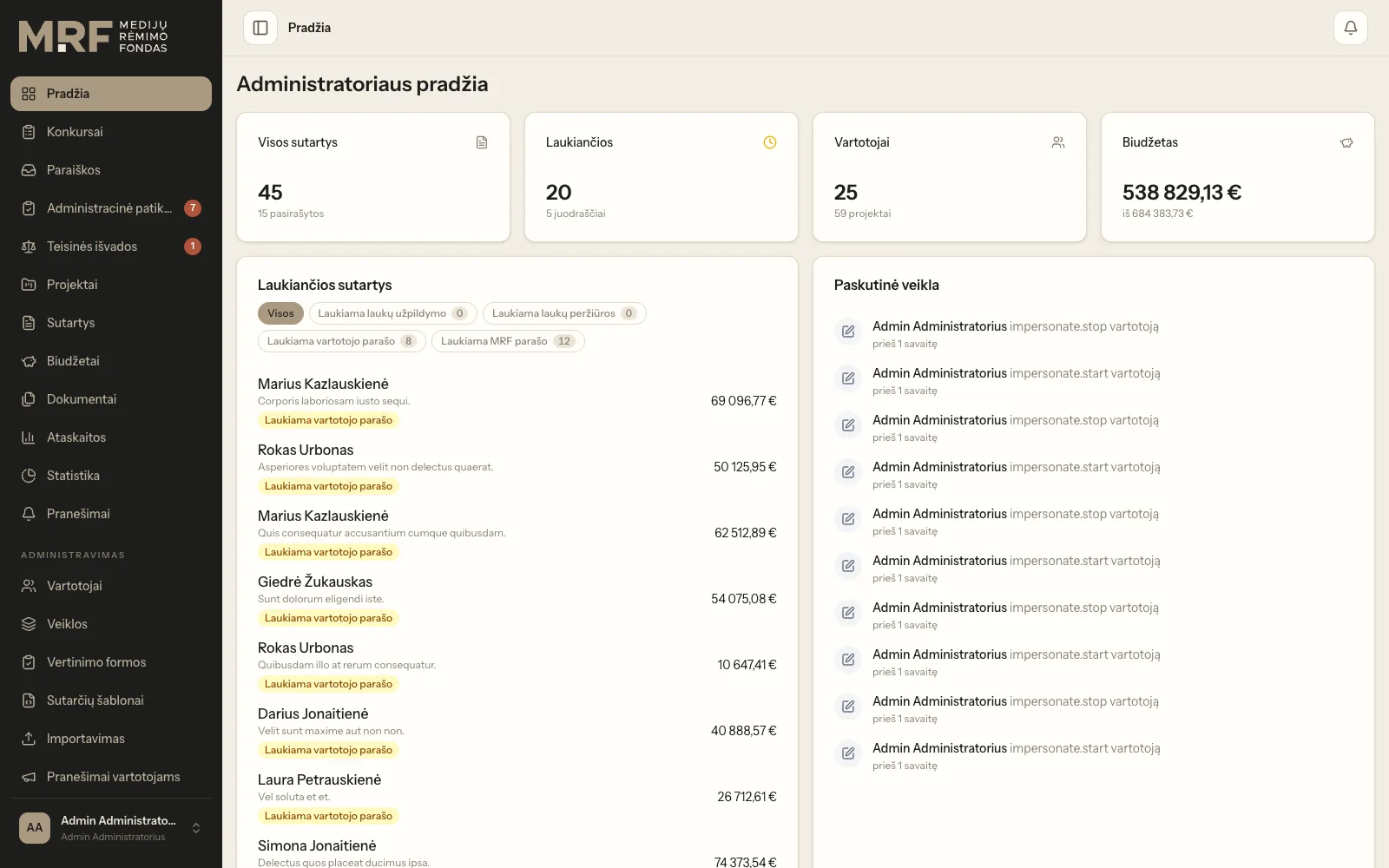
Application intake, expert assessment, budget approval and electronic contract signing in a single workflow.
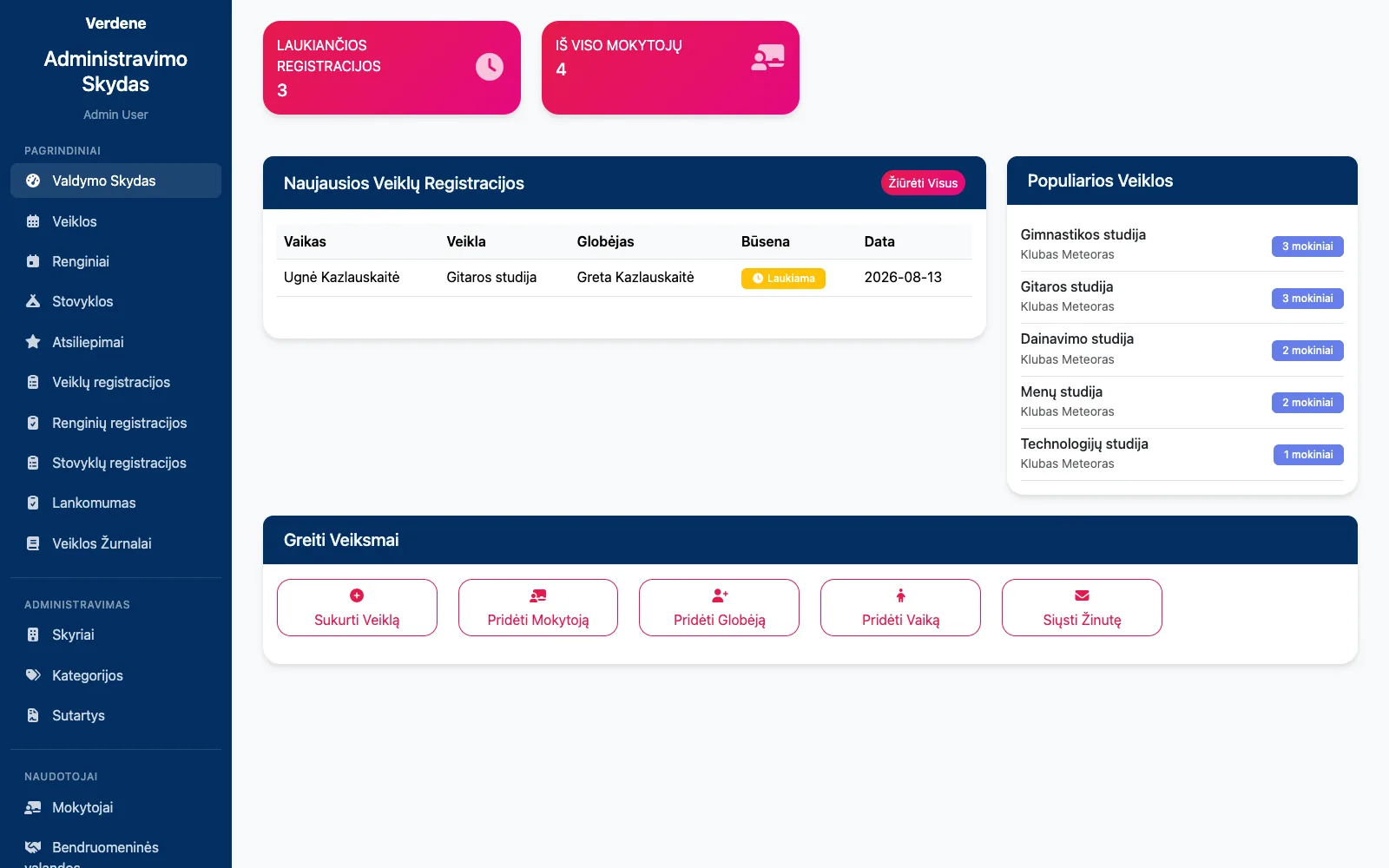
Club and camp registrations, attendance, contracts with parents and their termination in one system.
Tell us about the process that causes the most friction today. We will come back with questions within one business day.
Or directly: info@desamedia.lt · +370 686 59999