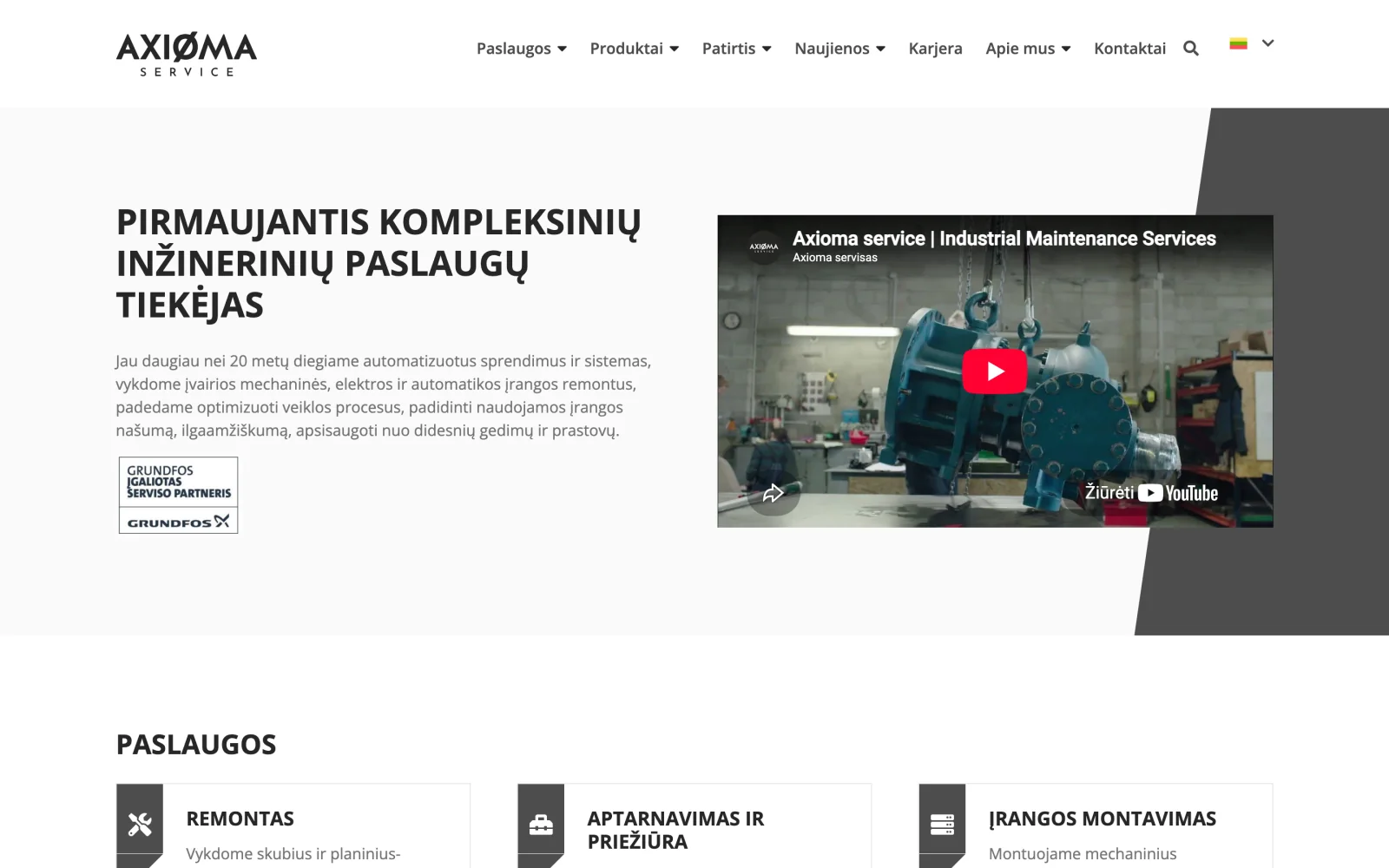
Axioma servisas: industrial engineering services website
A website for an integrated engineering services company, structured by service and by industry for industrial buyers.
Corporate websites for growing businesses: custom design, a clear structure and content that holds up when compared with your competitors.
Website development is the process of building a company's public face online: a set of pages that explains what the company does, who it serves and why it can be trusted. A custom corporate website differs from a template in that its structure, copy and design are built around the company's own sales logic rather than a ready-made layout.
For a growing company, the website stops being a business card and becomes a sales tool. It is opened by someone who has heard about you through a referral, seen an ad, or is comparing three suppliers before picking up the phone. In the first few seconds they decide two things: is this the company they need, and can it be trusted.
That is why a website has to answer three questions in under half a minute: what you do, who it is for and what result it delivers. Everything else is secondary.
We start with the question of who comes to the website and what they are looking for, not with design. That produces the sitemap: which pages are needed, how they connect and which one leads to an enquiry. At the same time we review your competitors' websites and what they are missing.
Before design, each page gets a content framework: headings, the order of blocks and what each block has to prove. This prevents the most common mistake, where a good-looking layout is filled with copy written just to fill the space.
A custom layout based on your brand: colours, typography and components that repeat across every page. Design starts from the mobile screen, because that is where most visitors come from.
The website is built so it can be edited without a developer: a content management system, clear fields and reusable blocks. The code is semantic, with a proper heading structure and accessibility, which helps people with disabilities and search engines at the same time.
Before launch we test browsers, mobile devices, speed, forms and accessibility. If an existing website is being replaced, we prepare a 301 redirect map so the rankings you have built up are not lost.
A website's age alone is not a reason to replace it. The reason appears when it starts costing more than it returns. The most common signs:
If you are not sure which of these matters most for you, a good place to start is a free website audit: you get a prioritised list, even if you decide not to change anything.
The structure depends on the business, but websites for growing companies almost always share the same framework:
The mistake we see most often: all services packed into a single "Services" page with six blocks of paragraphs. A page like that does not rank for any phrase, because the search engine cannot tell which one is the main topic.
The content management system is chosen based on who will work with the website every day. If content changes often and is edited by non-technical staff, a mature system with a comfortable editing interface is the right fit. If the website is mostly static and speed and security matter most, a simpler solution will cost less to maintain.
What we avoid in every case: ten plugins that conflict with each other and break with every update. Every additional component has to justify its place.
Stock photos of smiling people at a laptop prove nothing, because your competitors use the same ones. Real photos of your work, your people and your sites perform far better, even when they are technically weaker.
If you do not have photos, it is worth building a photo shoot into the project plan from the start: it is the most common reason a launch slips by weeks.
The technical work is rarely what delays a project. In practice, three things control the timeline: how quickly structural decisions are made, when the copy is ready and when the photos arrive. A project with content prepared in advance finishes several weeks earlier than the same project where copy is written along the way.
That is why at the first meeting we always agree who writes what and by when. It is the dullest part of the project, and the one that shapes the result the most.
Most website breaches are not targeted attacks. They are automated scripts looking for known vulnerabilities in outdated systems. So the most important protection is also the most mundane: regular updates, strong passwords, two-factor authentication for the admin area and backups that actually restore.
Backups should be stored somewhere other than the server that hosts the website. Otherwise, losing the server means losing the backup too.
Every extra second of loading time loses a share of visitors before they ever see the page. On a mobile connection, the difference between two and five seconds is the difference between an enquiry and a closed tab. Speed is not a technical detail. It is a direct sales metric.
The baseline scope includes the handful of tasks with the biggest impact:
Technical SEO is not a separate service to buy six months later. These are things that are either done during development or fixed later at a higher cost:
AI engines deserve a separate mention. More and more people look for answers in chat interfaces rather than in search results. These engines quote text that answers the question directly, in the first paragraph, so content structure is becoming more important than keyword density.
You can write the copy yourselves using the framework we prepare, or order it separately. The most important rule: concrete numbers instead of adjectives. "We respond within 24 hours" works better than "responsive service", because the first claim can be checked and the second is something everyone writes.
The second rule: write about the visitor's problem, not your own history. The year the company was founded and a list of values rarely convince anyone. What convinces people is a page that names the situation they are in and explains how it gets solved.
The third: every page should have one primary action. If a visitor is invited to call, write, download a catalogue and subscribe to a newsletter all at once, they usually do none of them.
WCAG 2.1 AA accessibility is mandatory in public sector projects and simply useful in business. In practice it means a few concrete things: sufficient contrast between text and background, the ability to use the whole website with a keyboard, a visible focus indicator, proper form labels and alternative text for images.
The same decisions improve the experience for people without disabilities too: clearer contrast helps on a phone on a sunny day, and a clean HTML structure helps search engines understand the content.
If you are replacing a live website, the biggest risk is not the design but lost rankings. Accumulated authority lives in URLs: every link from another source points to a specific page on the old site. If that URL disappears without a redirect, its value disappears with it.
That is why a migration always includes four steps:
A website without measurement is a matter of opinion. Goals are set up at launch: how many people reach the contact page, how many start filling in the form and how many submit it. A month later you can discuss concrete numbers rather than whether the website "looks nice".
If you are planning digital advertising, measurement has to be in place before the first euro is spent. Otherwise there is no way to tell which part of the campaign pays off.
If you operate in more than one market, the language question is worth settling from the start rather than bolting on a translation later. Each language needs its own URLs, hreflang markup and separately editable content. Automatic translation without separate URLs looks like duplicate content to search engines.
A website is not a one-off job. A maintenance agreement covers updates, backups, monitoring and small changes. Without one, a website becomes a security risk within a couple of years: outdated systems are the most common way in for attackers, and recovering without backups costs more than a year of maintenance.
When the layout is drawn with placeholder text and the real content arrives later, it never fits. The result is pages where the shape of a block matters more than what it needs to say.
If all services are packed onto one page, search engines cannot tell what to rank it for. Every service with its own demand deserves its own page.
Without goals in analytics, six months later it is impossible to say whether the investment paid off. Decisions are then made on gut feeling.
A website whose content has not changed in three years sends the message that the company is either not operating or does not care. Infrequent but regular updates work better than one big redesign every five years.
Before the first meeting it helps to have answers to a few questions. They are not difficult, but they decide whether the project starts with work or with a month of back-and-forth:
If you do not have the answers yet, that is normal too: some of them emerge during analysis. But it is worth knowing in advance which ones are missing.
You will not find a specific figure here, and that is a deliberate decision: the same word "website" can mean a five-page site or a multilingual system with integrations, and the difference between them is tenfold. Any number without context would mislead both sides.
The cost is driven by four things: the number of pages and unique templates, the scope of custom design, integrations with other systems and who takes responsibility for preparing the content. Technically, the most expensive part is usually not the design but the integrations.
If you would like a range for your project, fill in the project estimate form and we will get back to you with an initial scope within one business day.
A common scenario: the website works, but enquiries are still handled in email and spreadsheets. The natural next step is then a CRM system that enquiries flow into automatically. If the website needs self-service or calculators, we are talking about a web application. If you sell online, a custom online store.
You can see what this looks like in practice in our case studies, and read about how we work on the process page.
Each route has its place. What differs is where you hit the limit.
| Criterion | Template | Website builder | Custom website |
|---|---|---|---|
| Time to launch | Days | Days or weeks | 6-10 weeks |
| Uniqueness | Same as thousands of others | Limited to the platform | Built around your brand |
| Structure | Predefined | Partly adjustable | Built around your sales logic |
| Speed | Depends on the template | Often slow | Optimised individually |
| Technical SEO | Partial | Limited | Complete |
| Extending it | With add-ons, until it breaks | Within platform limits | No restrictions |
| Best when | You need it fast and cheap | Content is simple | The website is a sales tool |
A corporate website with a custom design usually takes 6 to 10 weeks: a week for analysis and structure, two or three for design, and the rest for development, content entry and testing. The timeline is rarely set by development. It depends mostly on how quickly the copy and photos are ready.
Yes. The website is handed over with a content management system and training. You can edit copy, images, news and pages without calling a developer for every change.
Rankings are kept if the migration is done properly: a 301 redirect map is prepared for every old URL, headings and content depth that already rank are preserved, and Search Console data is monitored after launch. Without this work, traffic can drop and never recover.
Yes, that is a baseline requirement. The design starts from the mobile screen, because most visitors arrive on one, and is then adapted to larger screens.
A website informs and generates enquiries: it tells visitors about the company, its services and its work. A web application does work: it has user roles, data logic and actions that change the state of the business. Many projects have both layers.
For the public sector and larger companies, WCAG 2.1 AA is mandatory. For everyone else it is simply useful: contrast, keyboard navigation and a clean HTML structure make the site better for all users, and for search engines too.
Maintenance: updates, backups, monitoring and small changes. A website left without maintenance becomes a security hole within a couple of years and starts to slow down.
A website for an integrated engineering services company, structured by service and by industry for industrial buyers.
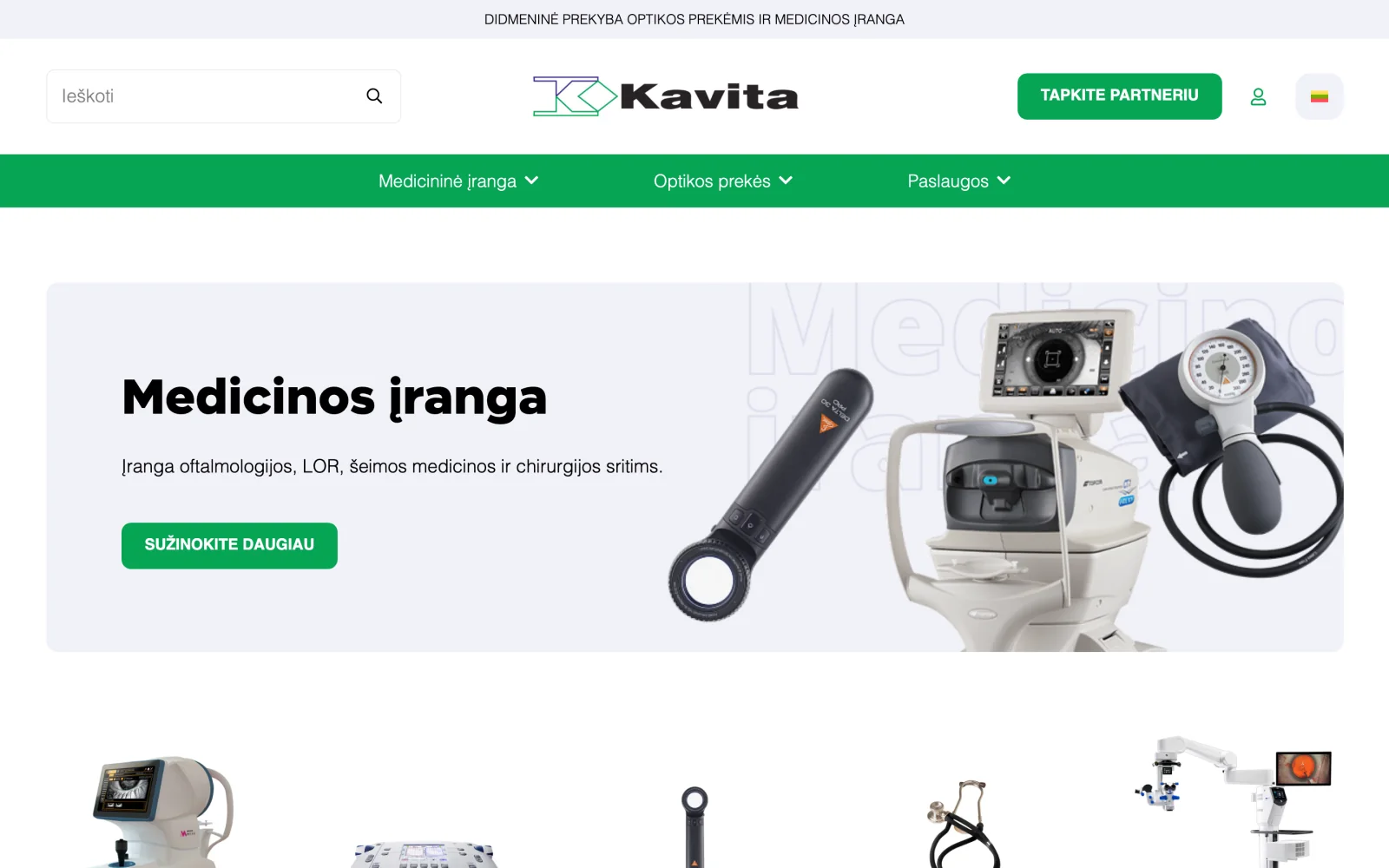
A large medical equipment and optics catalogue organised by specialty, with certificate and servicing information.
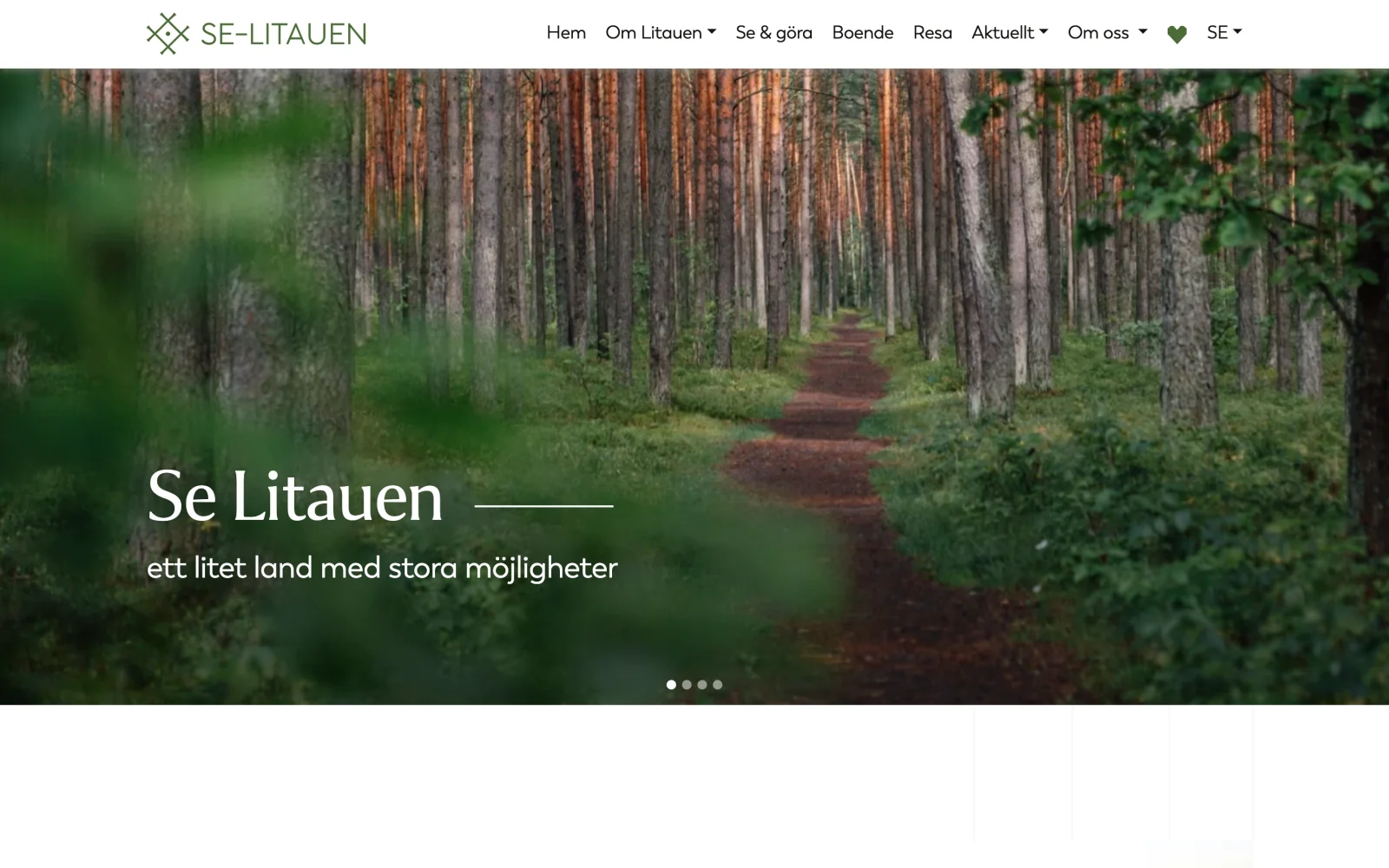
A Swedish-language portal about Lithuania: the country, culture, history, municipalities and trip planning.
Order a free audit and we will come back with a concrete list of what to fix first.
Or directly: info@desamedia.lt · +370 686 59999