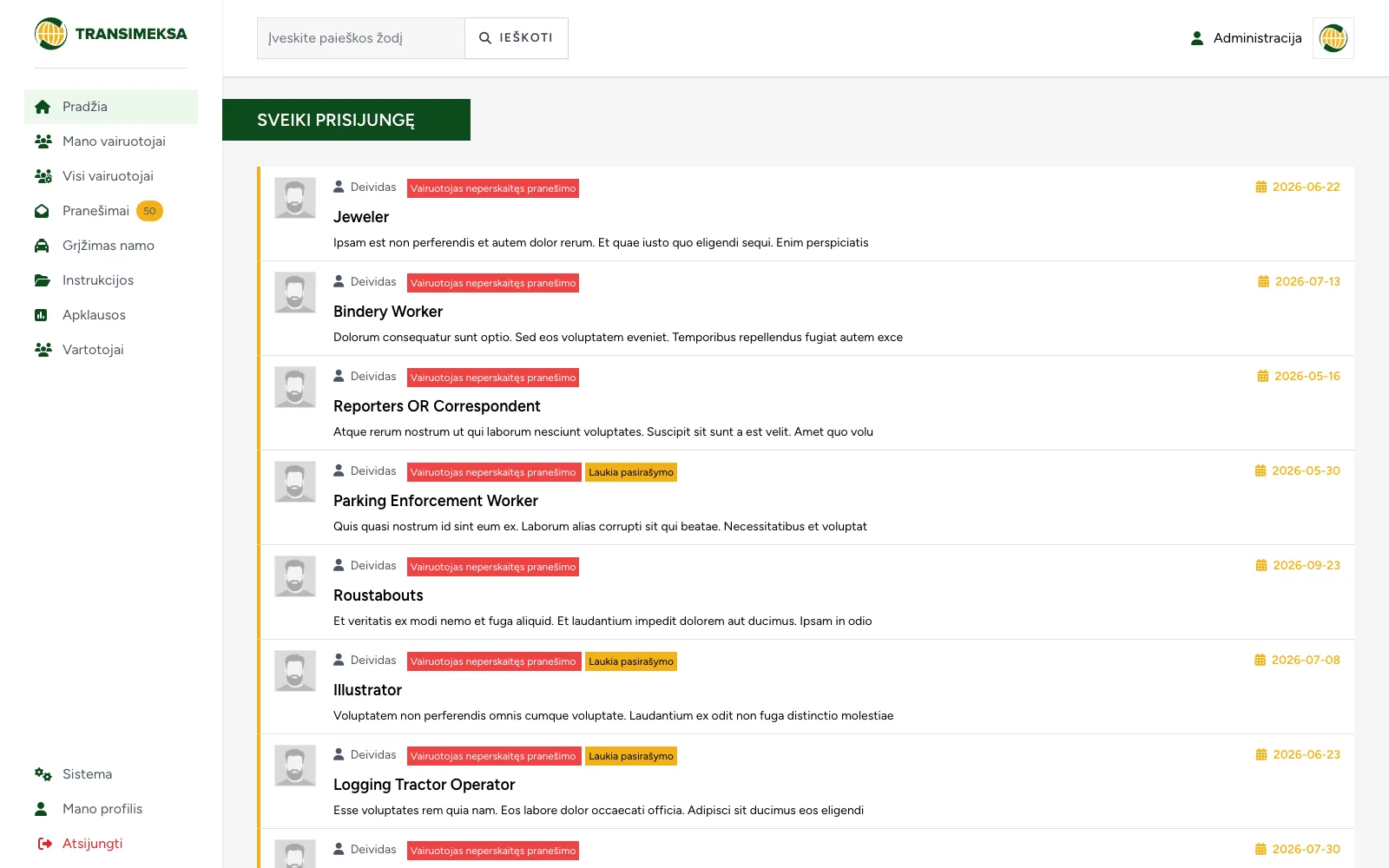
Driver communication and document management system
Instructions, documents and surveys for drivers, with a dedicated mobile interface for drivers and a separate one for managers.
Internal systems that replace spreadsheet chaos: orders, document workflows, registers and self-service portals.
A web application is software that runs in the browser and does a specific job for a company: it takes orders, manages documents, tracks processes or serves customers. It differs from a website in that a website informs, while an application does work: it has user roles, data logic and actions that change the state of the business.
An off-the-shelf tool is a cheaper start and in many cases the right choice. A custom system starts to pay off once at least one of these signs appears:
On the server side we use Laravel (PHP), for the interface Vue or Livewire, and for data MySQL or PostgreSQL. It is a mature, widely used stack: finding another maintainer will not be a problem, and security updates are released regularly.
We choose the architecture to fit the project, not the other way round. If a monolith is enough, we build a monolith; if the system has to serve several interfaces, we separate out an API.
We start with a paid discovery phase that ends with a defined scope, an architecture decision and an estimate. Then come a clickable prototype, development in two-week sprints, testing, and launch with user training. After launch the system is covered by SLA maintenance with an agreed response time. More about our process.
If the system needs to talk to the software you already run, see integrations and automation.
A comparison worth going through before you decide.
| Criterion | Off-the-shelf software | Custom system |
|---|---|---|
| Time to deploy | Days or weeks | Months, depending on scope |
| Initial investment | Low, charged per user | Higher, one-off |
| Long-term cost | Grows with the number of users | Maintenance, independent of user count |
| Process fit | Processes adapt to the software | Software adapts to the processes |
| Integrations | Only those the vendor provides | Any system with an API |
| Data control | Vendor infrastructure | A server of your choice |
| Dependency | On vendor pricing and roadmap | On a maintainer you can replace |
When the process is one of your strengths and ready-made software forces you to bend it, when licence costs grow in line with headcount, or when data is scattered across several systems and has to be re-entered by hand. If the process is standard and an existing tool covers it, you do not need a custom system.
The discovery phase takes 2-4 weeks and ends with a defined scope and estimate. The first working version is usually delivered within 2-4 months of the start of development, after which the system grows in two-week sprints.
We work in sprints, so priorities can be changed every two weeks. Changes that fit within the agreed scope are taken in order of priority; larger ones are assessed separately before work begins.
The client. We hand over the code, documentation and access credentials. The system can be moved to another maintainer without any technical obstacles.
Role-based access rights, password and session protection, an audit log, backups and an update policy. Security testing is carried out before launch, and public sector projects also get an accessibility review against WCAG 2.1 AA.
Yes, integrations are one of our core areas. We connect accounting systems, online stores, courier services, email and any other platform with an API.
SLA-based maintenance with an agreed response time, monitoring, updates and further development. We never leave a system without someone looking after it.
Instructions, documents and surveys for drivers, with a dedicated mobile interface for drivers and a separate one for managers.
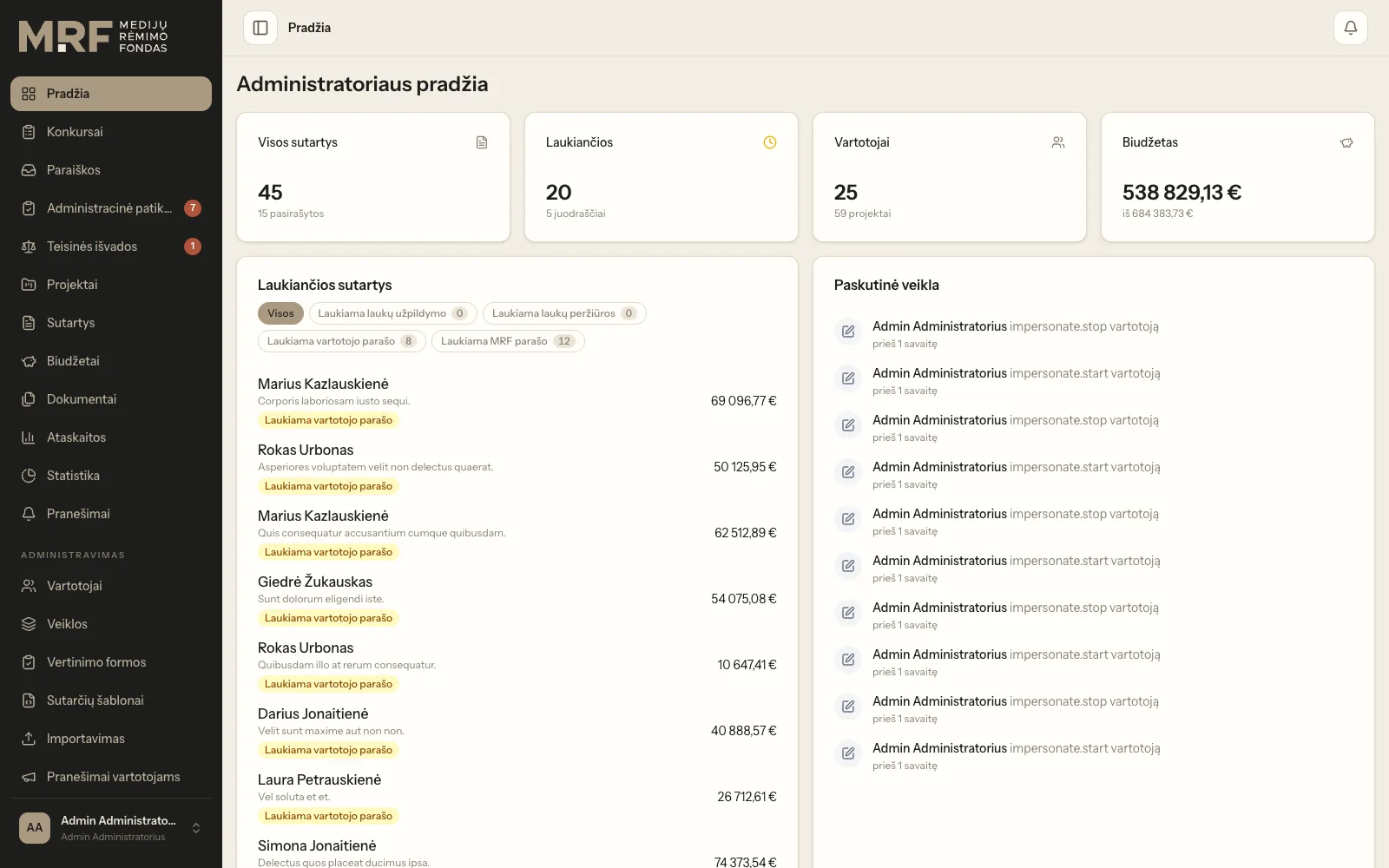
Application intake, expert assessment, budget approval and electronic contract signing in a single workflow.
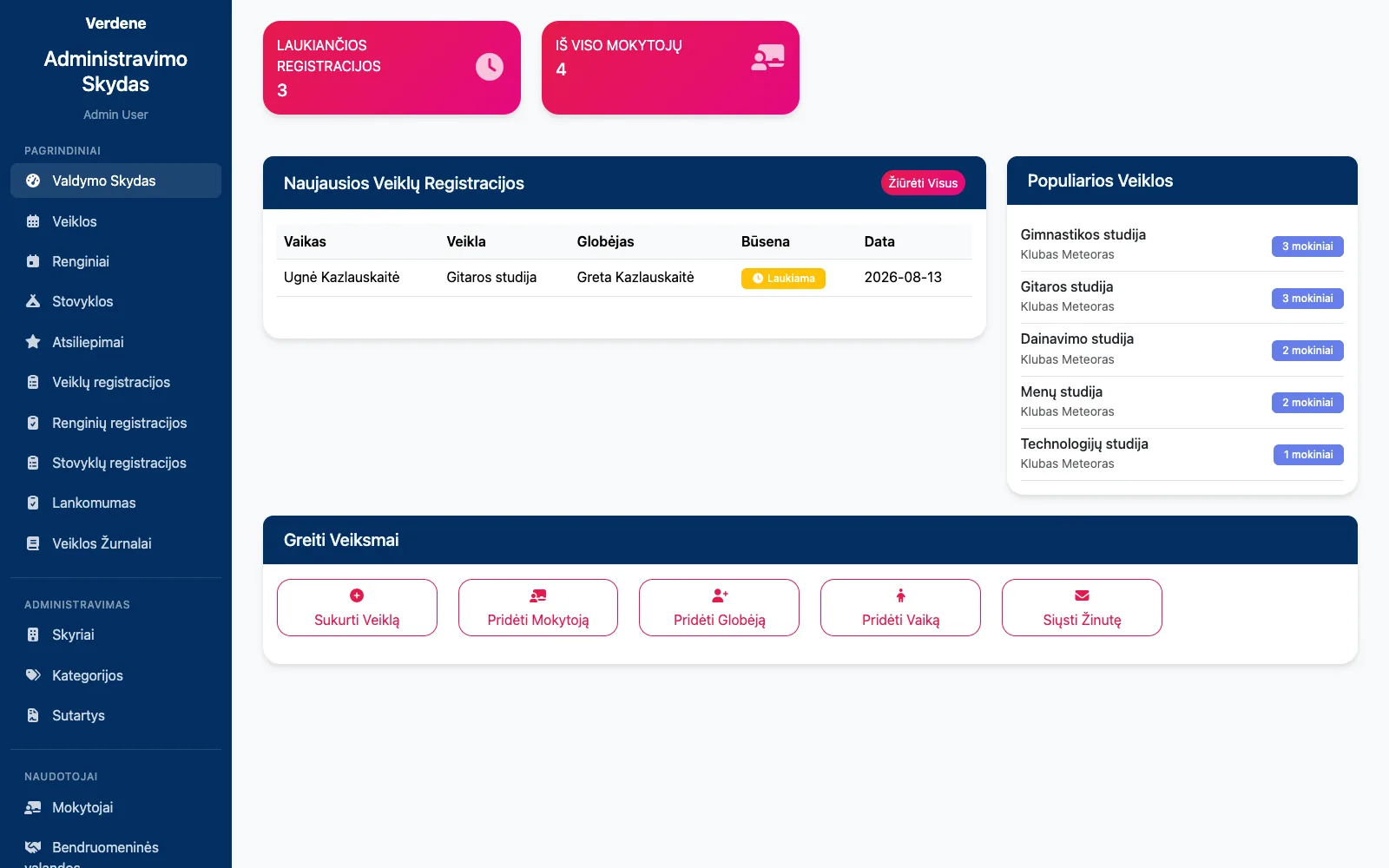
Club and camp registrations, attendance, contracts with parents and their termination in one system.
Tell us how it runs today. We will get back to you with questions and an initial direction within one business day.
Or directly: info@desamedia.lt · +370 686 59999