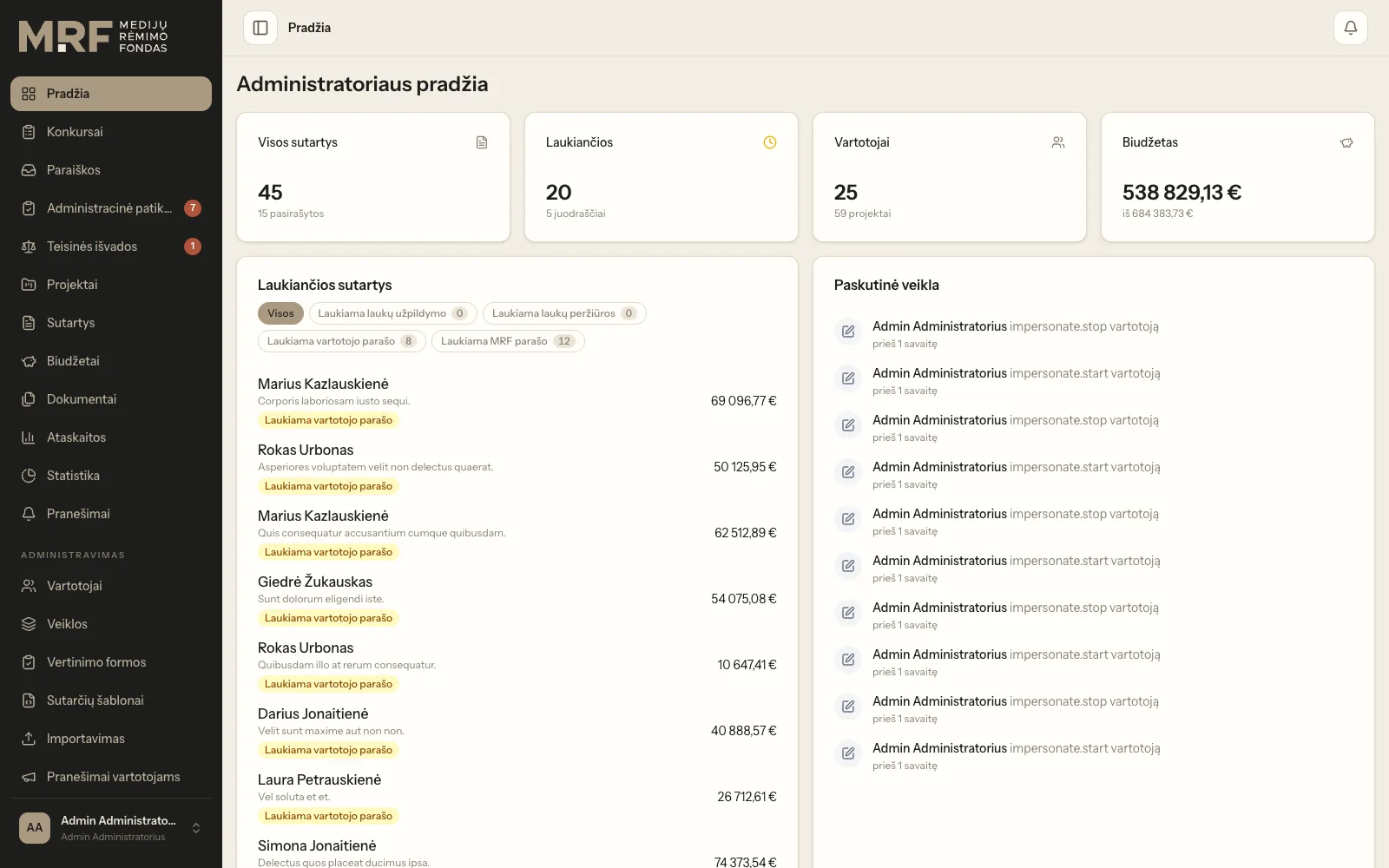
Grant application assessment and contract e-signing platform
Application intake, expert assessment, budget approval and electronic contract signing in a single workflow.
Instructions, documents and surveys for drivers, with a dedicated mobile interface for drivers and a separate one for managers.
ProblemInstructions were passed to drivers by phone and text message, and documents were sent as photos. Nobody could tell who had read an instruction, and important information for particular driver groups did not reach everyone.
SolutionWe built a system with separate driver and manager interfaces. Instructions and messages are sent by driver type with documents attached, and the manager can see who has read each message. Surveys help collect feedback, and a separate API is in place for a mobile app.
In an international haulage company, the driver is an employee who is never in the office. They work in another country, often speak another language, and their only link with the company is a phone. Instructions are sent by text message, documents are photographed, and important information reaches only those who happened to have a signal at the time.
The biggest problem was that nobody knew whether information had reached the driver. If an instruction about cargo acceptance procedures goes missing, the company suffers real losses.
We mapped out which messages are actually sent to drivers and how they differ. It turned out there are several types: general instructions for everyone, information for a specific group of drivers, personal messages, and documents that must be read and confirmed.
If they all went through one channel, an important instruction would be lost among general notices.
Two separate interfaces. Drivers and managers work in completely different workspaces. The driver interface is designed for a phone and one-handed use: large tap targets, minimal navigation and the most important information on the first screen.
Message types. Every message has a type and can be sent to everyone or to drivers of a particular type. The manager can see who has opened an instruction.
Documents attached to messages. Files are attached to the instruction, so a document is always seen together with its explanation.
Surveys. A separate section for collecting feedback. This was the client's idea, and it paid off: drivers rarely call to share observations, but they readily answer a multiple-choice question.
Multiple languages. Drivers speak different languages, so language selection was built in from the start.
API for the mobile interface. The system has a separate API, so the mobile interface can be developed independently of the admin side.
Read status is tracked per recipient. It would be simpler to mark a message as sent. But the company needed to know which driver had not yet opened it, so the system records each recipient's read status separately. This is exactly what makes it useful.
The company manages driver types itself. How the company groups its drivers changes. If the types were hard-coded, every change would require coming back to us.
The API was planned from the start. When you know in advance that a mobile interface will be built, it is cheaper to prepare for it straight away than to rework the system a year later.
Temporary links to files. Documents containing personal data should not be accessible indefinitely, so links to them expire after a limited time.
Systems for field staff usually fail not because of missing features but because they are awkward to use in real conditions. A driver looks at the phone while standing next to the truck, often wearing gloves and in a hurry. An interface that looks good in a demo may go unused in practice.
That is why, in projects like this, the most valuable stage is a prototype shown to a few real drivers before any code is written.
Application intake, expert assessment, budget approval and electronic contract signing in a single workflow.
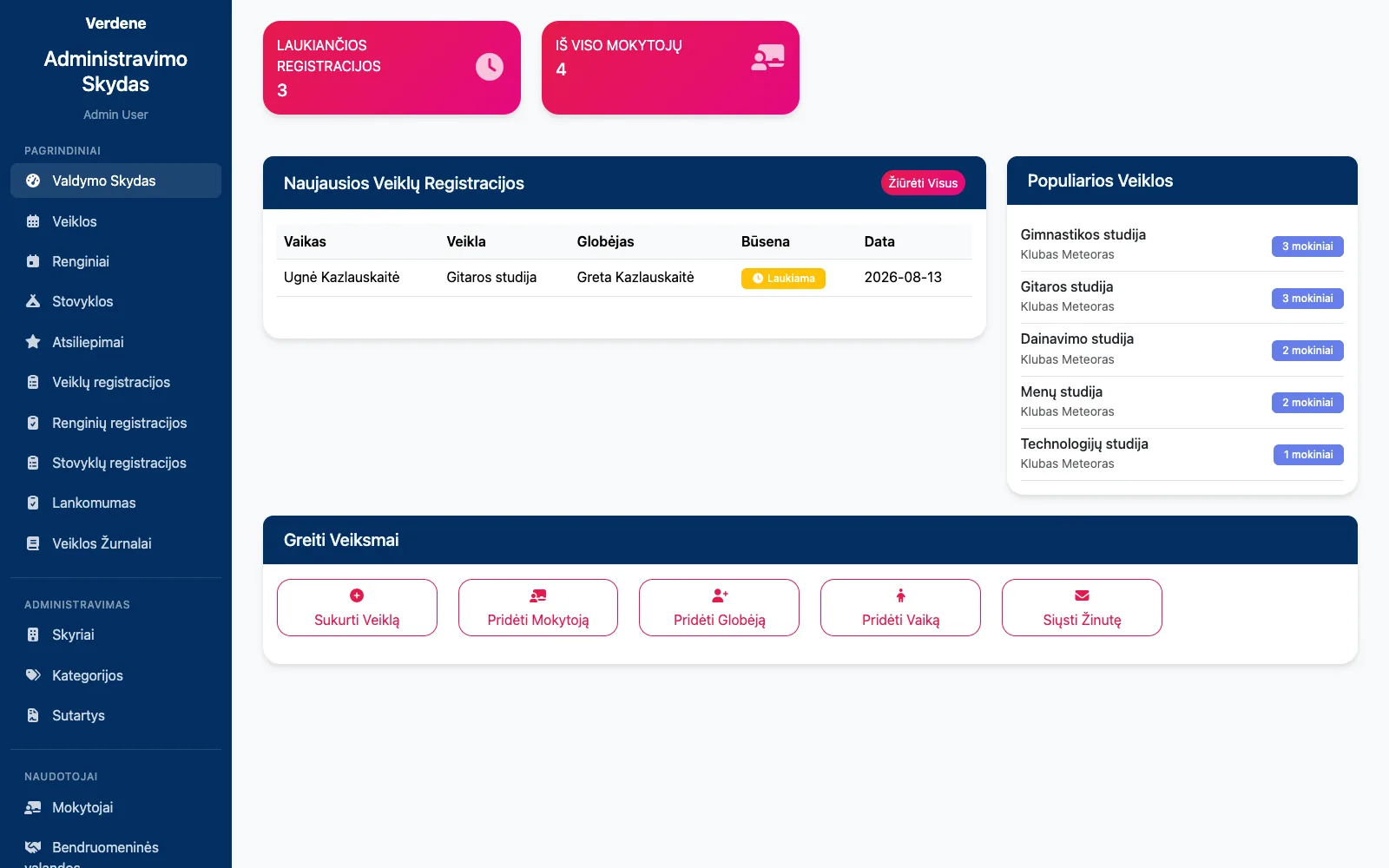
Club and camp registrations, attendance, contracts with parents and their termination in one system.
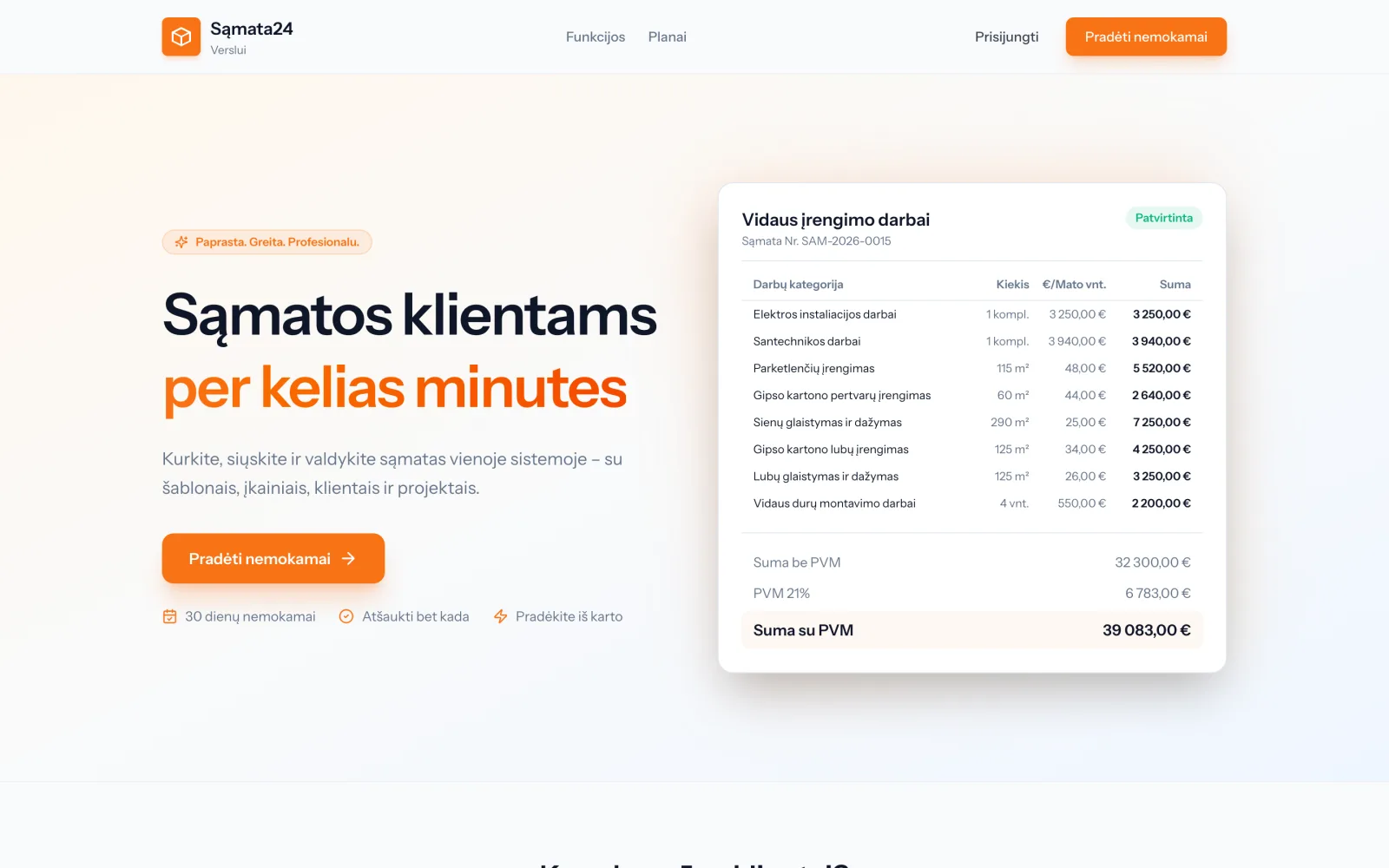
Estimate templates, material and plant prices by city, project completion certificates and subscription management.
Tell us about the process that causes the most friction today. We will come back with questions within one business day.
Or directly: info@desamedia.lt · +370 686 59999