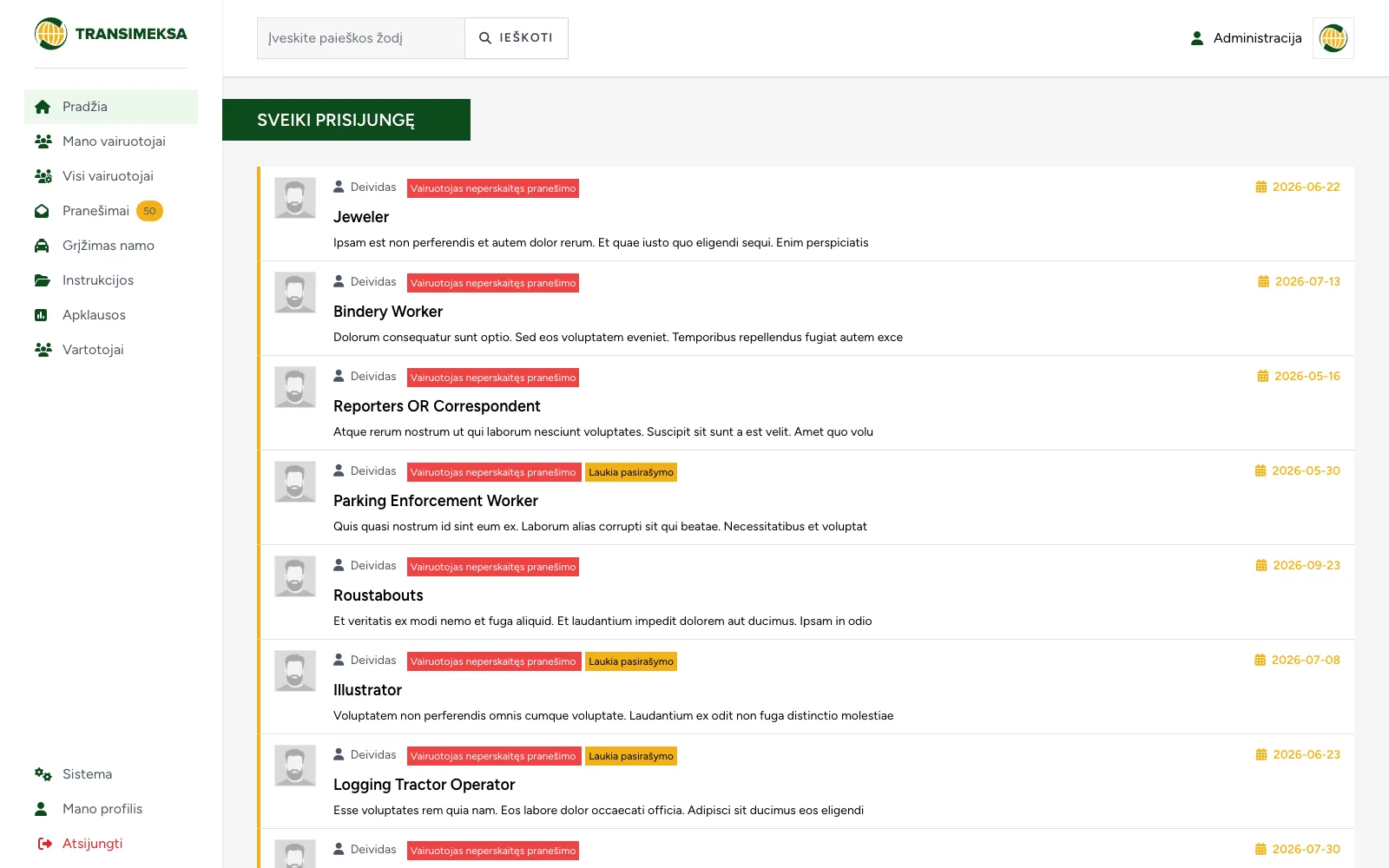
Driver communication and document management system
Instructions, documents and surveys for drivers, with a dedicated mobile interface for drivers and a separate one for managers.
An activity catalogue with free places, registration, contract signing with a qualified e-signature and an attendance register.
ProblemIn September the club takes in several hundred children, and each needs a signed paper contract. Registration takes a couple of weeks of printing, signing and scanning, and NVŠ funding (Lithuania's non-formal education voucher) also requires an attendance register.
SolutionA contract is generated as soon as a child is registered, and parents sign it with a qualified e-signature on their phone. Consents are split into nine separate items, and the register and attendance are filled in right after each session.
A children's and youth club takes in several hundred children every September. A contract is signed with each one, which means parents have to come in and sign paper. Registration takes a couple of weeks, and throughout that time the administration prints, hands out for signing, scans and fills binders.
Funding adds to this. To receive money from the non-formal children's education (NVŠ) voucher, the Lithuanian state scheme that funds after-school activities, an activity must be registered and participation documented. That means an attendance register that nobody likes filling in, but without which the money does not come.
A contract without paper. A PDF that has to be printed, signed by hand and uploaded again would not do. What was needed was legally valid signing that takes a few minutes on a phone.
Separate consents. In a children's organisation, consent to photography cannot be a single tick box. Parents may allow a photo to be used internally but not published on social media. A mistake here breaches personal data rules.
Quick attendance marking. Teachers fill in the register after a session, often on a phone, between two groups. If it takes longer than a minute, the register gets filled in from memory at the end of the month, and records like that are not good enough for funding.
Public information. The organisation is required to publish its statutes, activity and director's reports, and planning documents. The administration had to be able to manage these itself, without a developer.
Catalogue with free places. Parents filter activities by department, category, age group and day of the week. Each card shows the code, age, day, time, monthly price and a bar showing how many places are left. Whether there are still places is clear before registering.
From registration straight to the contract. Once the details are filled in, the system generates a contract from a template with a number, the price, the chosen price option and the start date. Parents receive a personal link that is valid for a limited time.
Qualified e-signature. The contract is signed via MarkSign directly in the platform window. The system records when parents read the notice, when they started and when they finished signing, and the signed document is stored. If an error occurs, its description is recorded, so you can see at which step signing broke off.
Nine separate consents. Photos public and internal, video public and internal, publishing on the website, publishing on social media, trips, marketing. Parents decide on each one separately, so it is always clear whether a particular photo can be published.
Register and attendance. The teacher records the session date, time, content and academic hours, and marks each participant as present or absent. The same record shows how many children attended and how many did not.
Community service tracking. For pupils who need community service hours, the season, dates, hours and type of evidence are recorded. This area is kept separate from activities because different requirements apply to it.
Public documents. Statutes, reports and planning documents are published by category with download buttons. The administration updates them itself.
A link with limited validity. The contract link gives access to personal data, so it must expire. A working link left in an inbox a year later would be a security gap.
A signed contract does not depend on the template. The template changes every season, but a signed contract must stay exactly as it was signed. So its text and terms are stored together with the contract.
Each consent is checked separately. Before publishing a photo or video, the system can check exactly the consent required and pick out the children whose parents did not give it.
Test signing. A simulation runs alongside the real MarkSign integration. The whole registration and signing flow can be tested without sending requests to the external service or using a real personal ID code.
Electronic signing looks like a single integration, but in reality it is a large number of possible situations. Signing can be interrupted, time out, be started on two devices, or the provider can return an error. Each situation needs its own record and a way to resolve it, otherwise the administration gets a phone call from a parent instead of a contract.
It is worth designing consents starting from the question "what will we do with this photo", not from form fields. That is when it becomes clear how many separate consents are actually needed.
Instructions, documents and surveys for drivers, with a dedicated mobile interface for drivers and a separate one for managers.
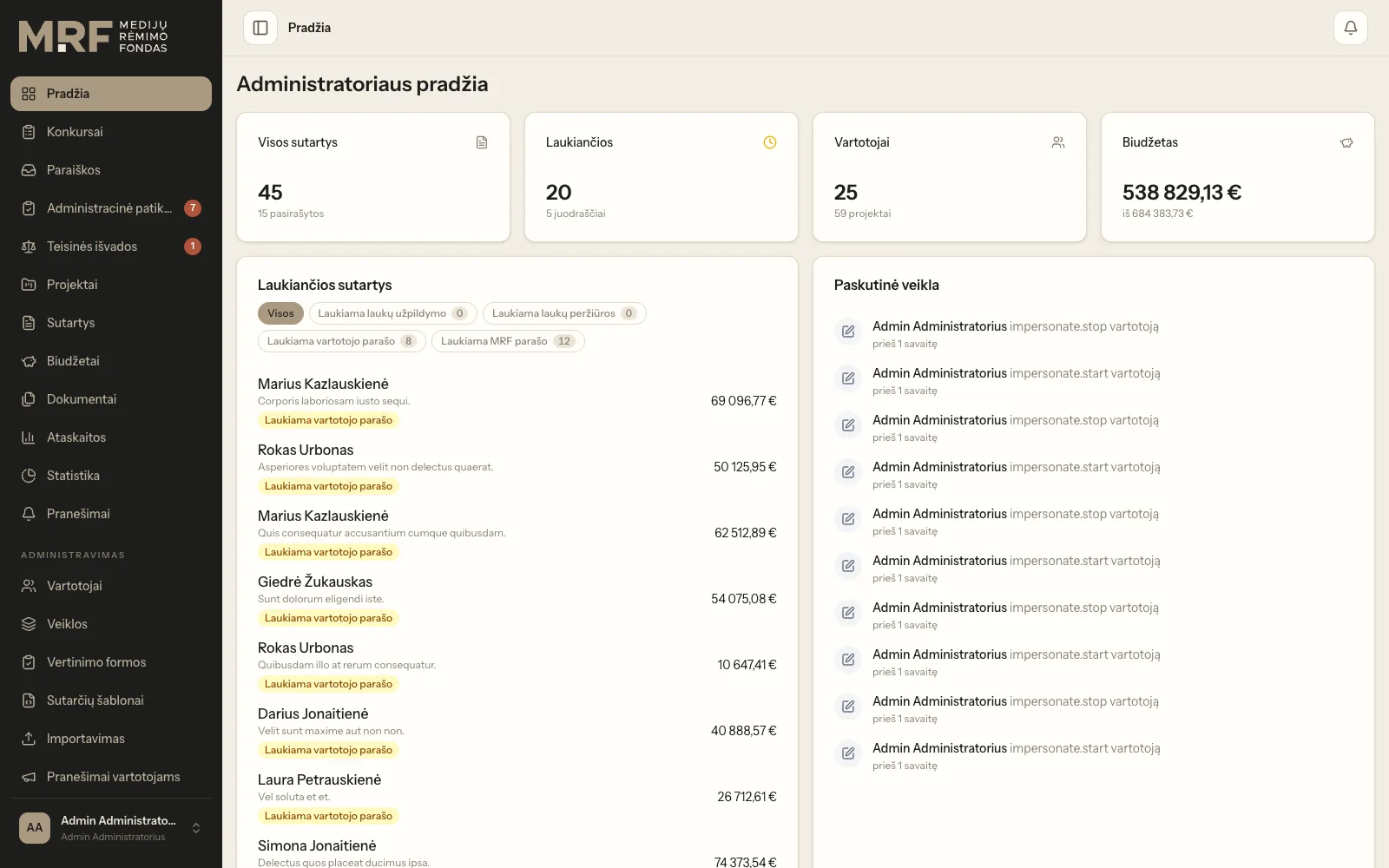
Application intake, expert assessment, budget approval and electronic contract signing in a single workflow.
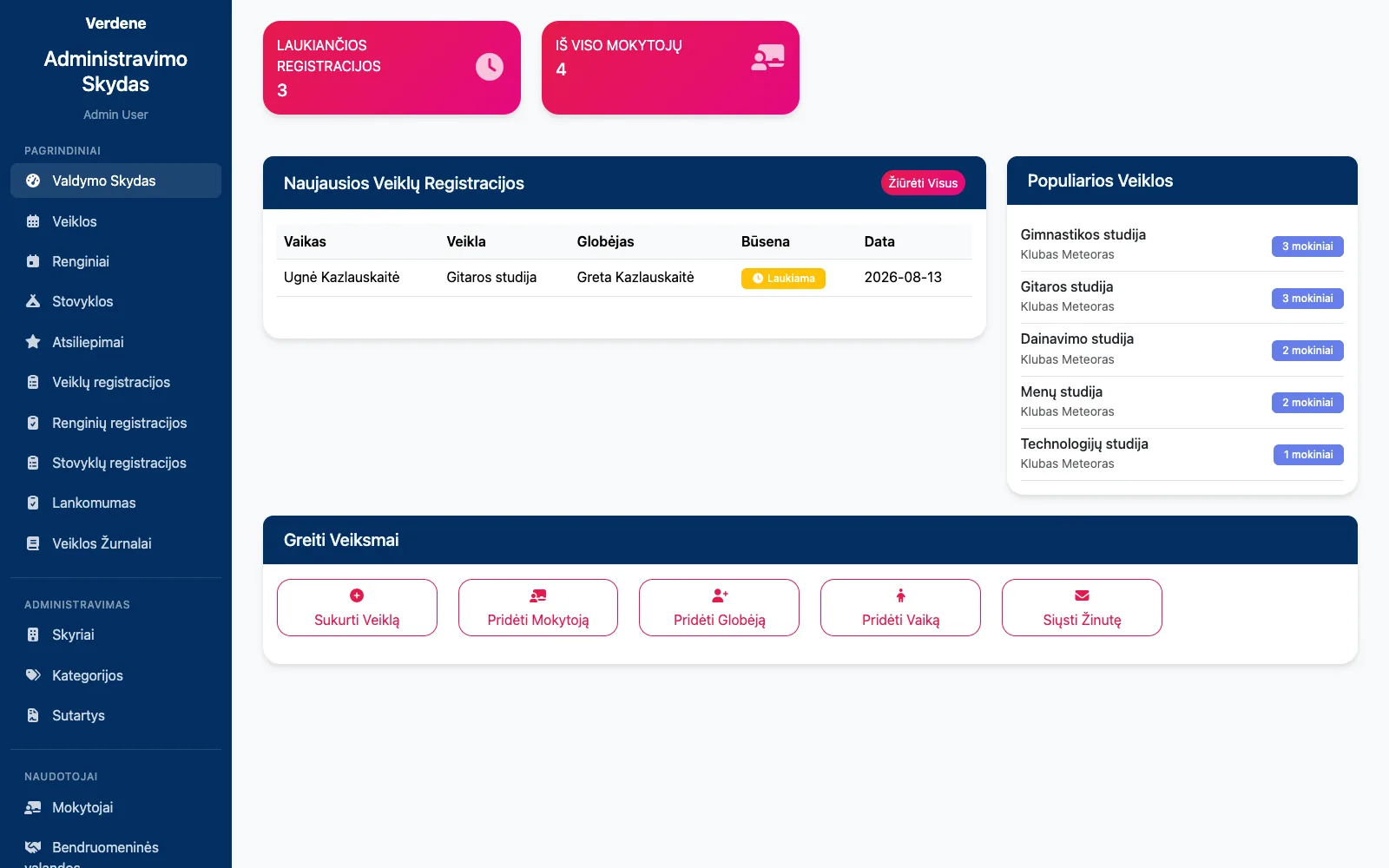
Club and camp registrations, attendance, contracts with parents and their termination in one system.
Tell us about the process that causes the most friction today. We will come back with questions within one business day.
Or directly: info@desamedia.lt · +370 686 59999